Change product photo on hover in the catalog
Product Image Change on Hover in the Catalog — a module for OkayCMS that automatically changes the main product image when a customer hovers over its card in the catalog.
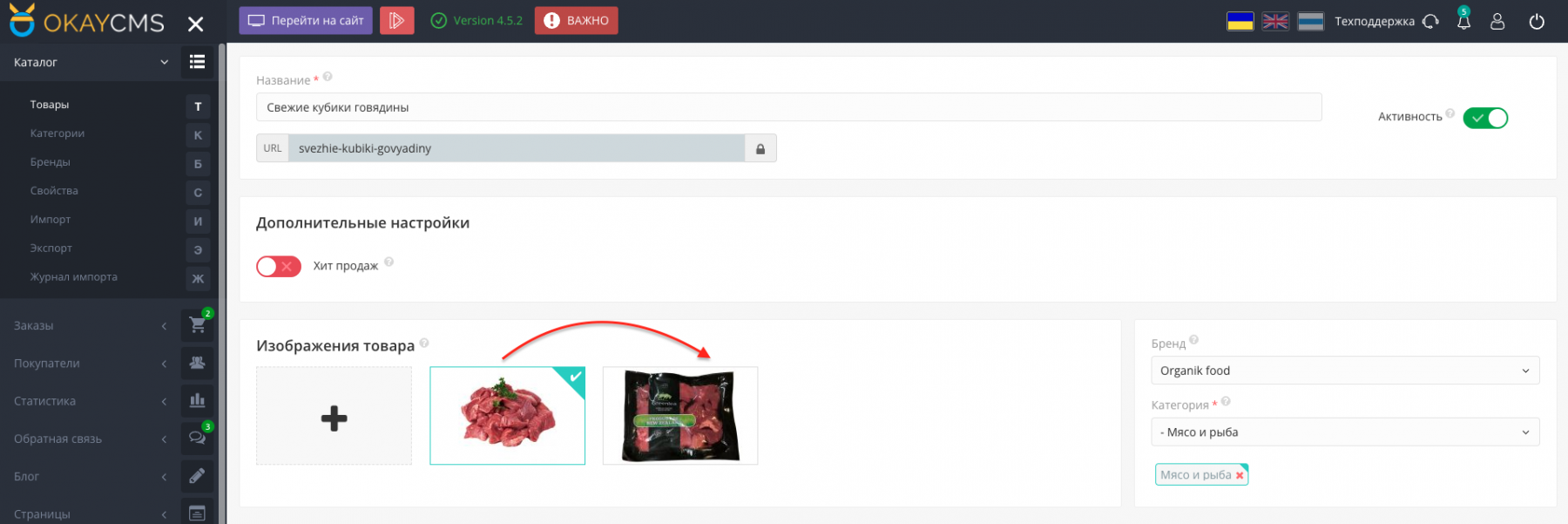
Customers can view an additional product photo without opening a separate page. This makes it easier to see the product from another angle, provides a more informative catalog, and simplifies product selection.
Main features
- automatic product image change on hover;
- displaying an additional photo directly in the catalog;
- restoring the main image when the cursor leaves the product card;
- viewing another product angle without opening the product page;
- more informative product presentation in categories.
How the module works
After installation and activation, the module starts working on the storefront.
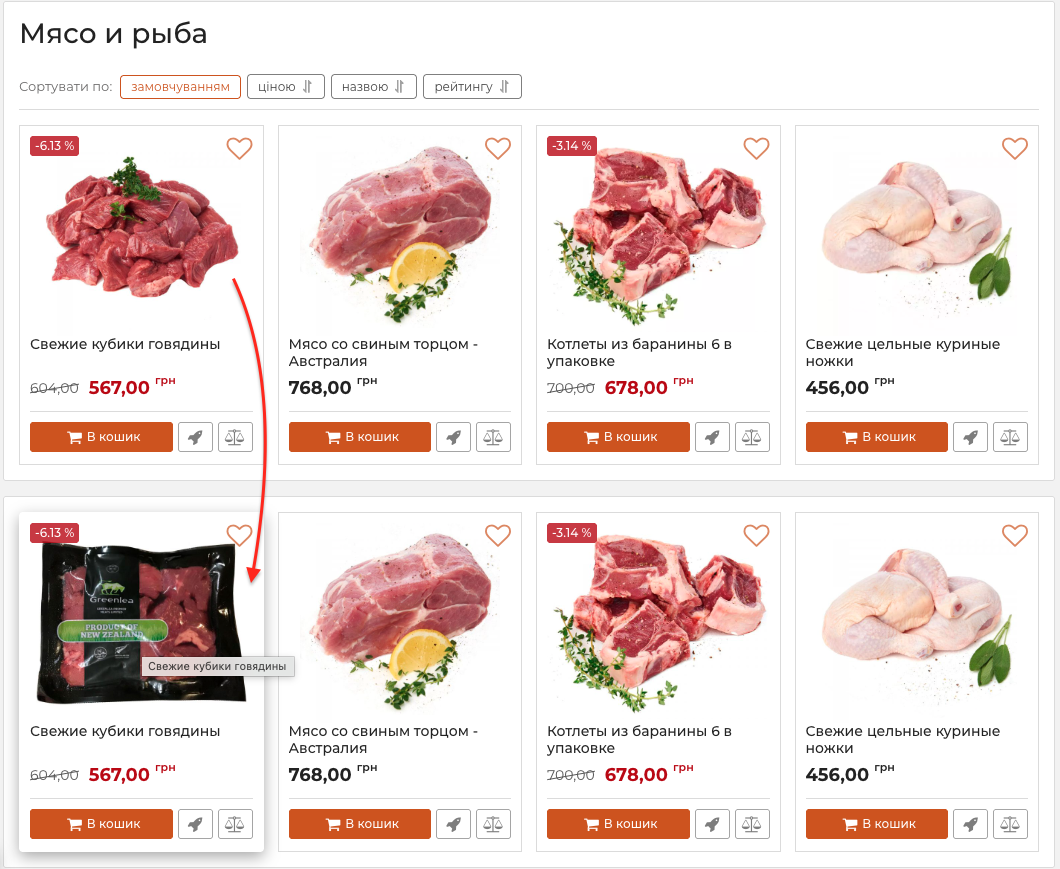
If a product has an additional image, hovering over its card replaces the main photo with the additional one. When the cursor leaves the product card, the main image is displayed again.
Storefront display
The image change works on catalog and category pages where products are displayed as cards.
Visitors do not need to open each product separately to view an additional photo and see it from another angle.
Who this module is for
The module is suitable for online stores selling clothing, footwear, accessories, electronics, furniture, and other products where displaying several photos is important.
It makes the catalog more informative, helps customers evaluate products faster, and improves the overall shopping experience.

-
VIP Partner OkayCMS
-
Quality checked by OkayCMS
-
Requires adaptation for other templates